1
Press record
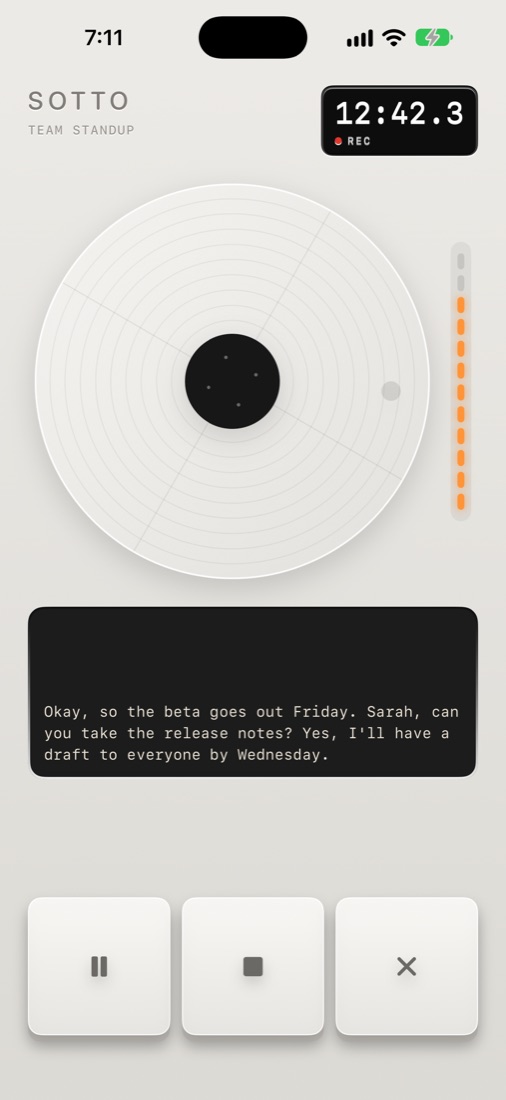
Start from the app, Control Centre, the Lock Screen or Siri, or from the reminder Sotto sends when a meeting on your calendar starts. Pause, carry on in other apps, and watch the time in the Dynamic Island.
 Sotto
Get the app
Sotto
Get the app
Five steps, and you only have to do the first one.
Start from the app, Control Centre, the Lock Screen or Siri, or from the reminder Sotto sends when a meeting on your calendar starts. Pause, carry on in other apps, and watch the time in the Dynamic Island.
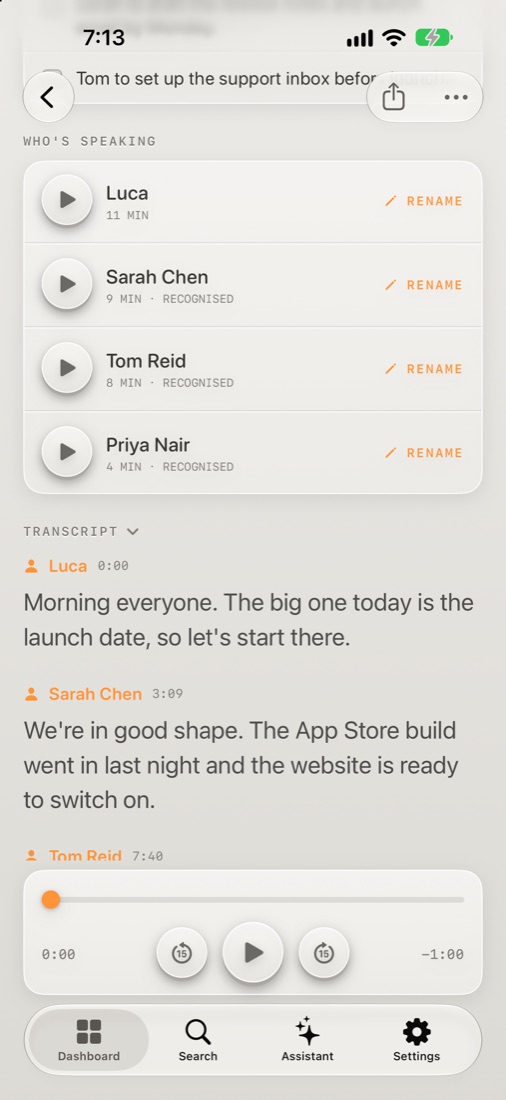
The conversation is transcribed on your iPhone as it happens. When you stop, Sotto works out who was speaking and puts a name to every voice it already knows.
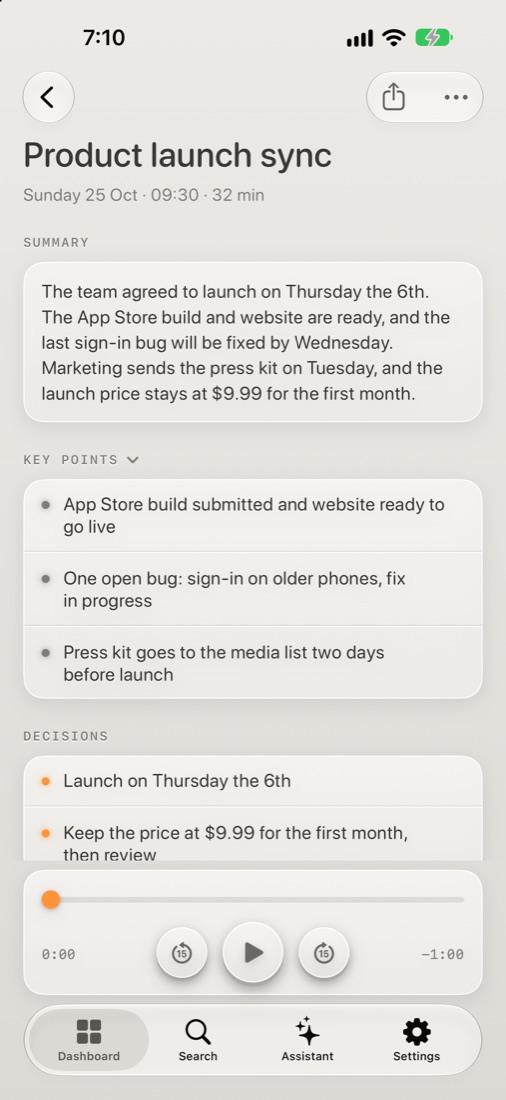
Apple Intelligence writes a summary, the key points, the decisions and the action items, on Apple's Private Cloud Compute or on your iPhone. If Apple's limit for the day is reached, Sotto writes them as soon as it resets, even with the app closed.
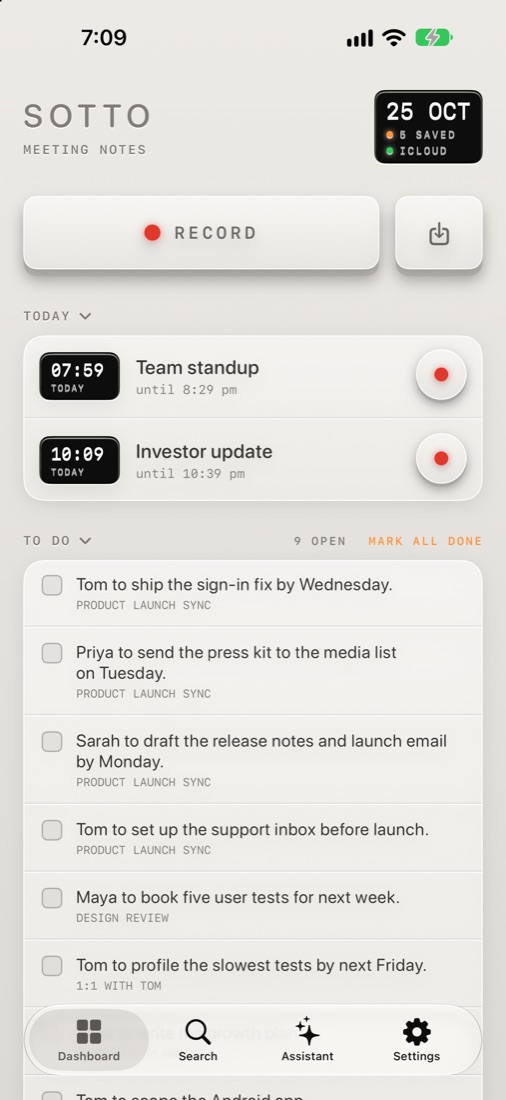
Every action item joins one to-do list across all your meetings. Tick them off, send them to Reminders, or share the notes with everyone who was there.
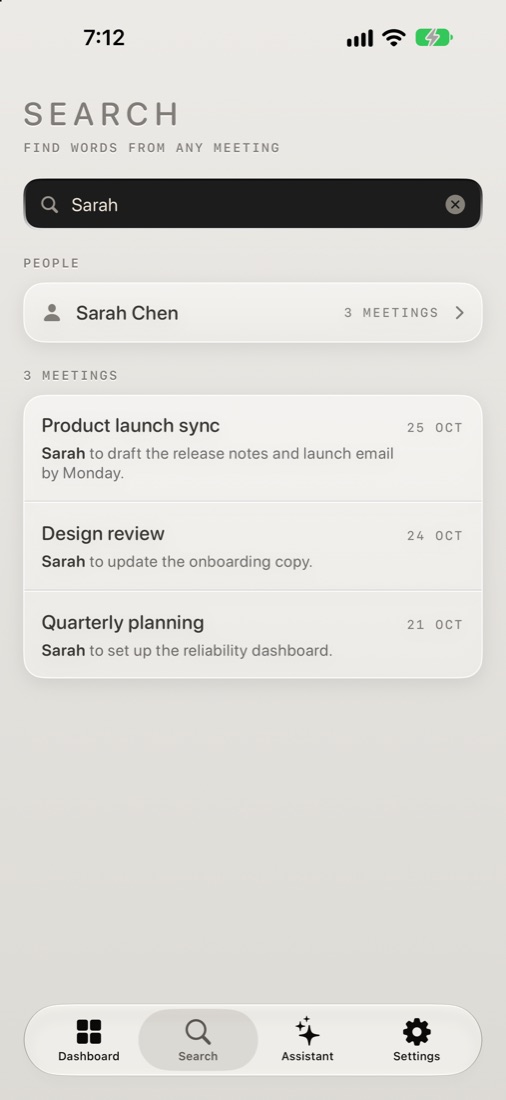
Search every meeting by word or by person, or ask the Assistant what was said. Your meetings follow you to every iPhone signed in to your Apple Account.
Private at every step. Recording and transcription happen on your iPhone, notes are written by Apple, and everything is kept in your own iCloud.